Register manually
Follow the steps below to complete the registration process on the Antyxsoft portal:
Open your browser and go to the registration page.
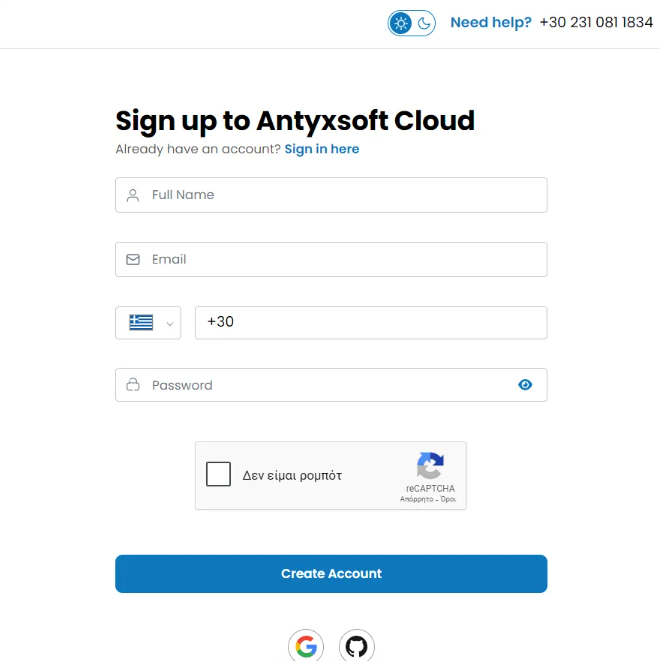
On the registration page, you will need to fill in above fields:
- Name: Enter your first and last name.
- Email Address: Provide a valid email address.
- Phone Number: Choose your country code and provide your phone number.
- Password: Create a strong password (at least 8 characters, including uppercase, lowercase, and numbers).
Fill the captcha.
Click the "Create Account" button to complete the process.
- Click on the Google icon or Github icon.
- Follow the prompts to authorize and complete the registration.
Now that your account is activated, return to the login page and use the credentials you registered (email and password) to sign in or sign in via Google/GitHub.
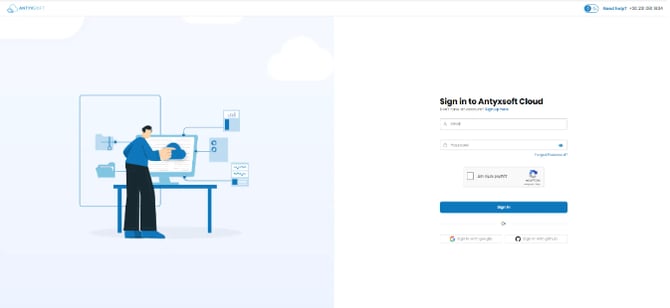
In order to complete your profile, add your Personal Details & Company Details.
How to complete your registration process
On the dashboard, you will see a notification prompting you to complete your registration process.
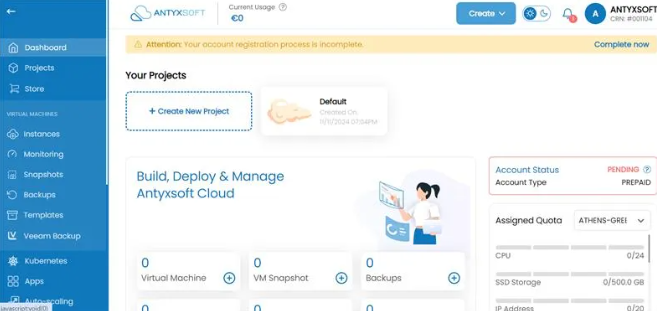
Click on the Complete now button.
You will redirected to the following page:
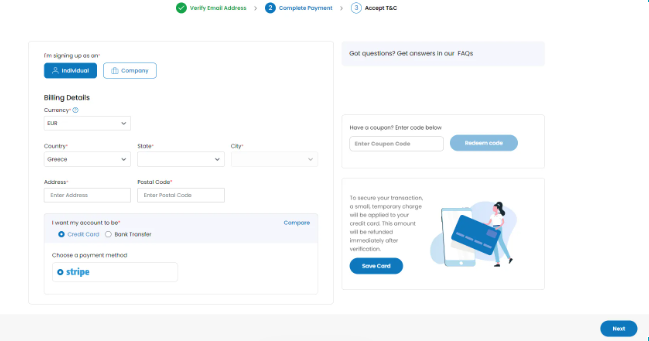
You need to complete the 3-steps process in order to complete your account.
Complete your individual account
Verify Email Address
Choose that you are signing up us an individual.
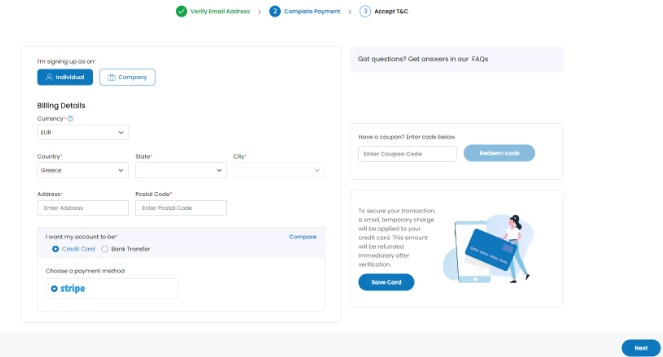
Fill in the billing details, including:
- Currency
- Country
- State
- City
- Address
- Postal Code
After verifying your email address, you will need to choose one of the available Payment methods. We offer two payment methods:
- Credit Card
- Bank Transfer
Coupon Code (if applicable)
If you have a coupon code, enter it in the Coupon Code field.
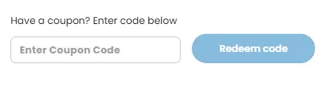
Click Redeem code to activate any applicable benefits.
Accept Terms & Conditions
Review the Terms and Conditions carefully.
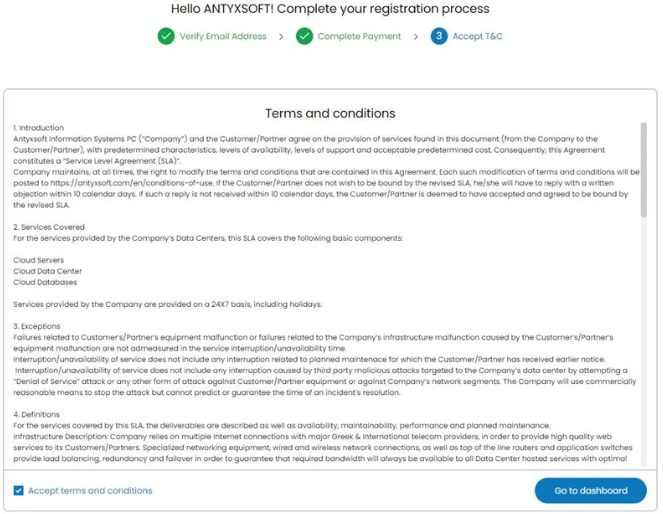
Check the box to indicate that you accept the TAC.
Click Go to dashboard to proceed.
Complete your company account
Verify Email Address
Choose that you are signing up us a company.
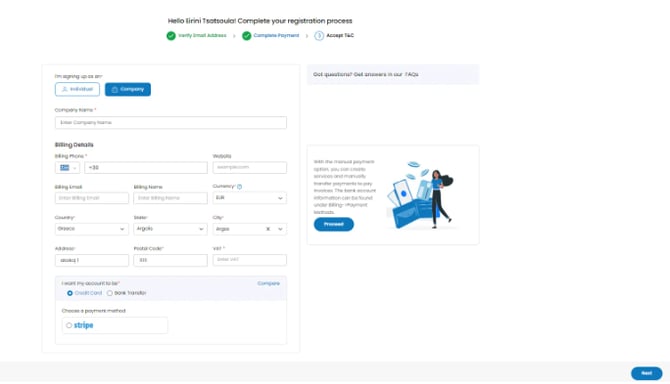
Fill in the Company Name.
Fill in the billing details, including:
- Billing Phone
- Website
- Billing Email
- Billing Name
- Currency
- Country
- State
- City
- Address
- Postal Code
- VAT
After verifying your email address, you will need to choose one of the available Payment methods. We offer two payment methods:
- Credit Card
- Bank Transfer
Coupon Code (if applicable)
If you have a coupon code, enter it in the Coupon Code field.
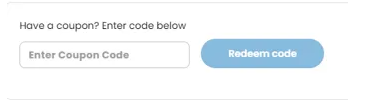
Click Redeem code to activate any applicable benefits.
Accept Terms & Conditions
Review the Terms and Conditions carefully.
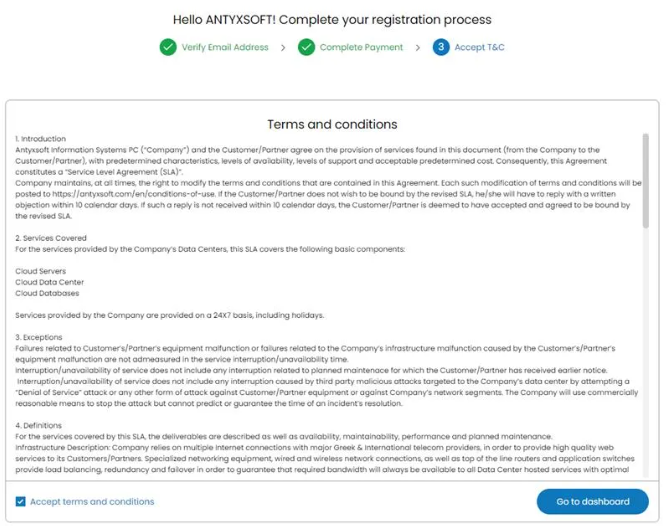
Check the box to indicate that you accept the TAC.
Click Go to dashboard to proceed.