Changing you Veeam Account password
From the side panel click on Veeam Backup.
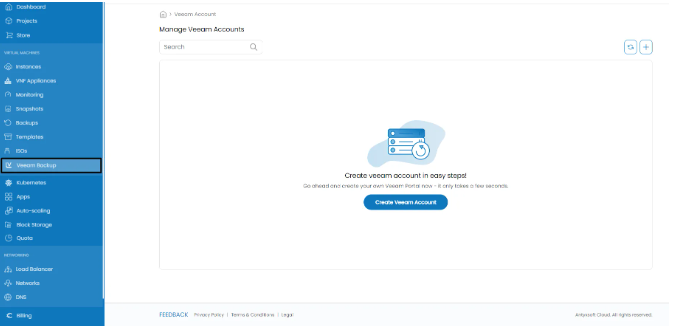
From the account management menu select the account you want to change the password.
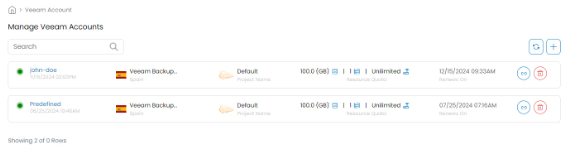
Click on the Settings tab.

Navigate to the Reset Password menu from the side menu.
Set your new password and click on the Update button. Done! You have updated your Veeam account password.