To create a custom Kubernetes plan in Antyxsoft Cloud simply follow next steps and spin-up your cluster in minutes.
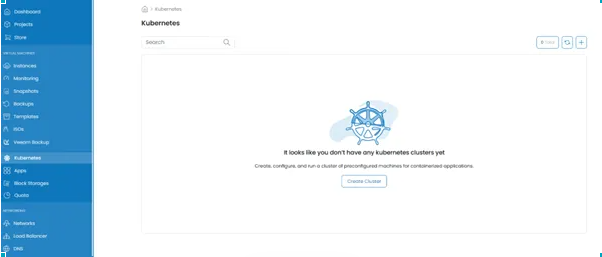
Step 1: Navigate to the Kubernetes tab on the left side of the menu and click on the Create Cluster option
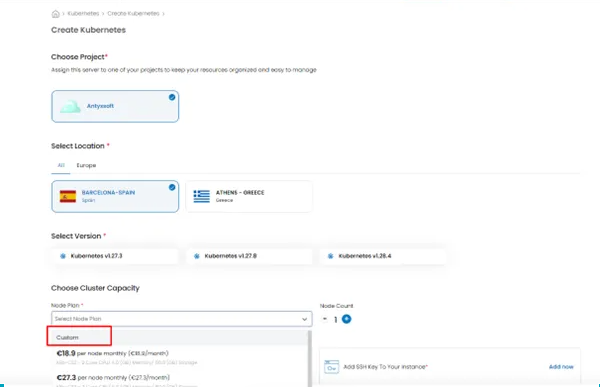
Step 2: Select the Project you want to deploy Kubernetes Cluster, Location and Kubernetes version. In Cluster Node Capacity select the custom option as below image.
Step 3: The required hardware & Node count resources need to be defined as your needs.

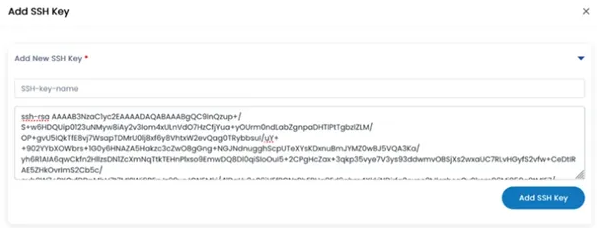
Step 4: If High Availability option is needed for Kubernetes Control Plane, choose option and the number of Control nodes. Don’t forget to add your Public Key to be able to connect to your Cluster.

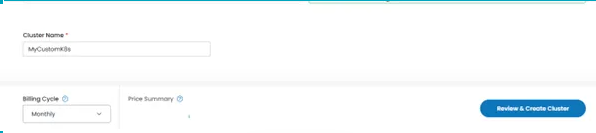
Step 5: Enter your Cluster name and Billing Cycle. Review settings and click Review & Create Cluster to deploy your Cluster.