To proceed with deleting older backups, you will need to delete the corresponding Backup Job.
Steps to Delete Backup Jobs
Go to Veeam Portal
Log in with your credentials.
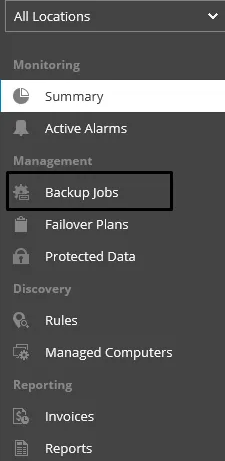
From the left menu, select Backup Jobs
Find the specific Computer and Backup Policy and click on it.
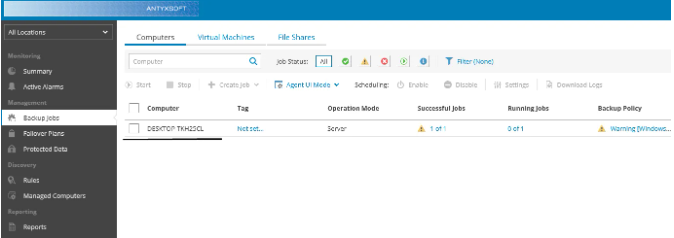
In the Agent Jobs window that appears, select the specific job.
Proceed with deleting it:
Right-click on the Job or select the job and click the Delete Job button.
You will then be asked to choose whether to delete the files as well.
Select Delete All to remove all associated files.

By following these steps, you can ensure that older backups and their corresponding jobs are deleted successfully in Veeam.