Step 1: You can login to Kubernetes using access token.
To generate access token you need create a service account for Kubernetes dashboard service. To create dashboard service account with the below mentioned yaml file using vi or nano editor.
Step 2: Generate the access token using the following command
# kubectl apply -f kubernetes-dashboard-service-account.yaml
Following output is generated from the above command

Step 3: Once the token is generated, use the following command to get the access token.
# kubectl describe secret $(kubectl get secrets -n kubernetes-dashboard | grep kubernetes-dashboard-token | awk '{print $1}') -n kubernetes-dashboard

Copy the generated token & paste it in the dashboard page in the token option as shown below & click on sign in button.
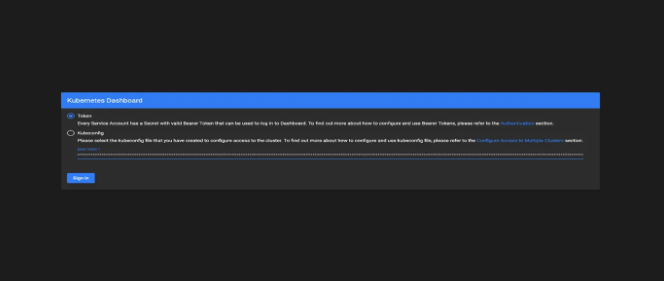
Step 5: On clicking on the sign in option, you will get the kubernetes dashboard.