In the Preferences menu you can select your prefered theme for the portal.
Changing your theme
Changing your theme in the portal is very easy.
- Upon logging in, select your profile picture at the top right of the portal.
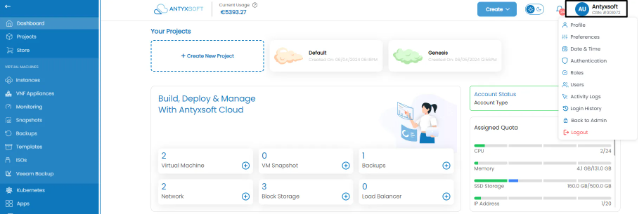
- Navigate to preferences where you can see the following menu:
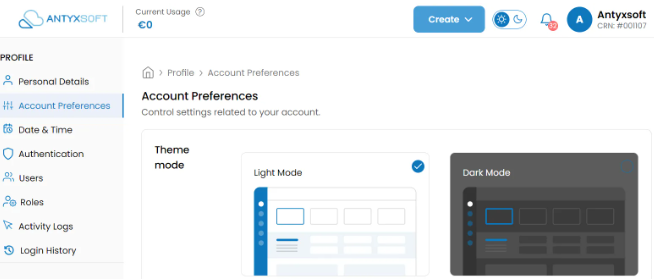
- Select your preffered theme.
Alternatively you can change your theme using the switch located at the top bar.
