Upgading your Veeam Backup Plan
- Login to the portal.
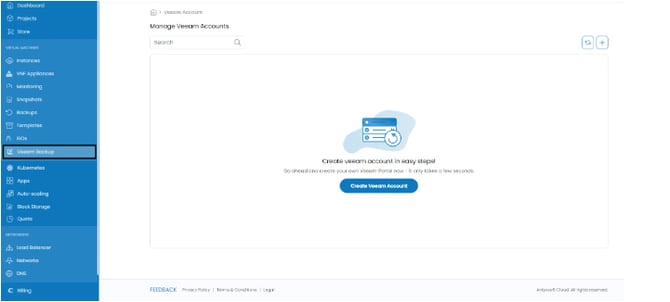
- From the side panel click on Veeam Backup.
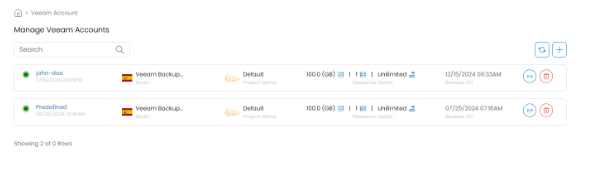
- From the account management menu select the account you want to upgrade the plan.
- Navigate to the Settings tab.
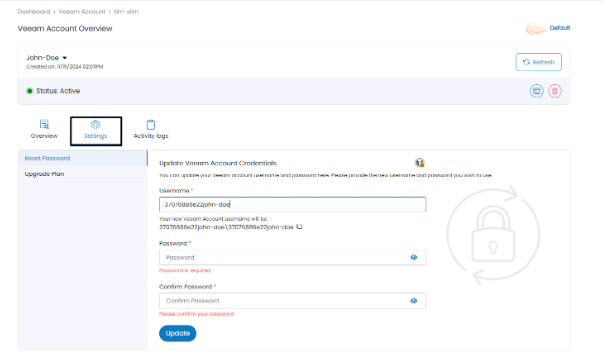
- From the side menu navigate to Upgrade Plan.
- Then select the quota plan or create your custom plan.
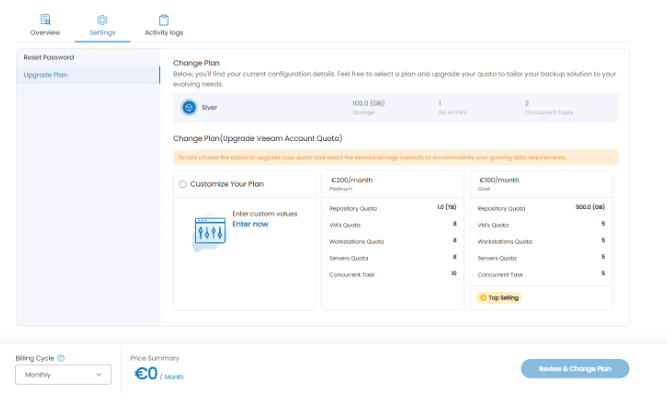
- When ready set your Billing Cycle and click on Review & Change Plan.